
Introduction
This comprehensive guide covers the iGOT Karmayogi DREAM App – Features Operations and Functionalities Questions & Answers, ensuring a seamless adoption for Gramin Dak Sevak Branch Post Masters (BPMs) and Assistant Branch Postmasters (ABPMs).
Questions & Answers
Which traditional applications does DREAM replace?
- Email and SMS applications
- Desktop applications only
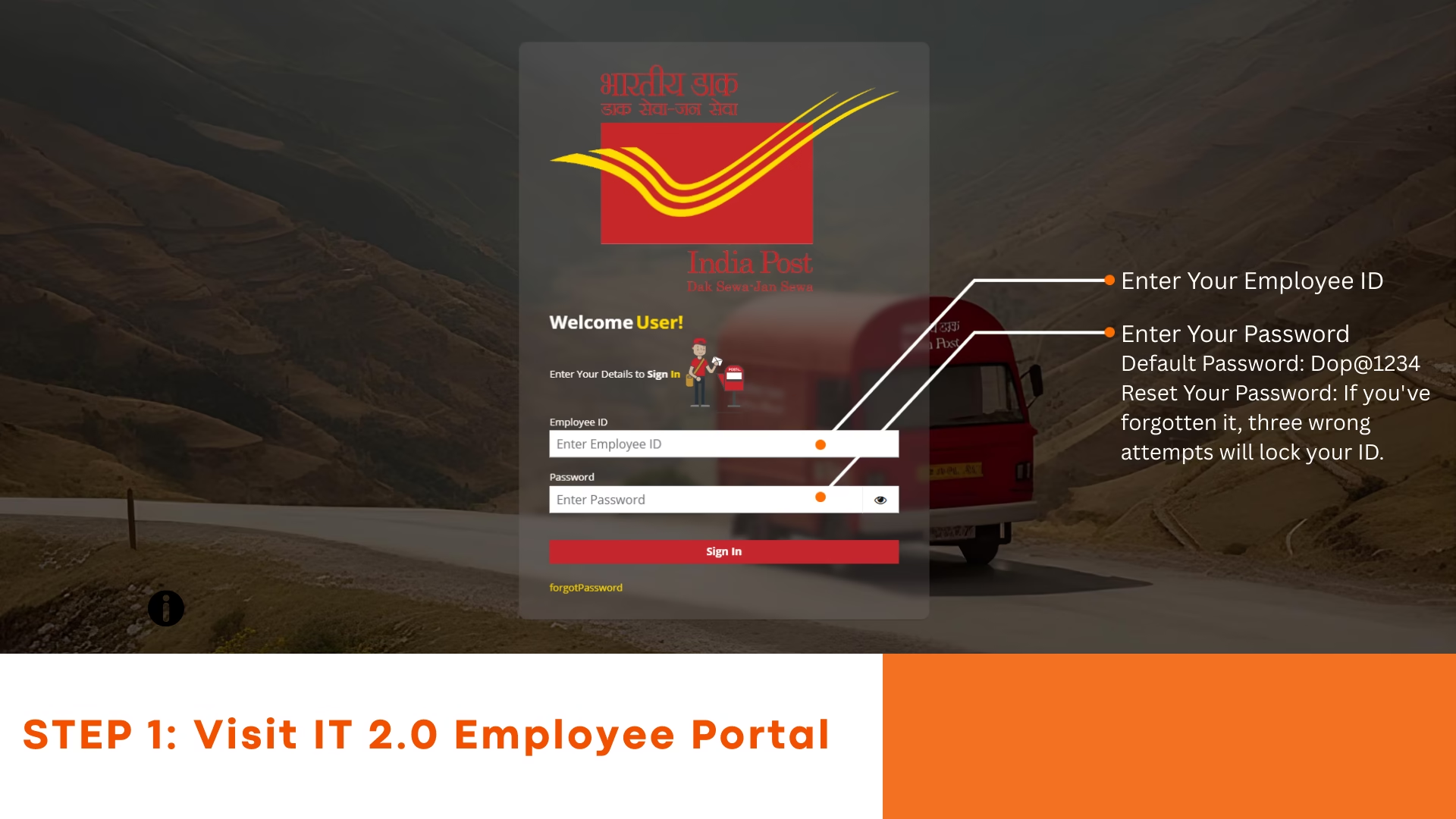
- Postman Mobile App (PMA) and DARPAN Mobile App
- Only desktop applications and no mobile apps
Correct Answer: Postman Mobile App (PMA) and DARPAN Mobile App
Who primarily uses the DREAM for delivery operations?
- Branch Post Masters (BPMs) only
- Postman and GDS (Gramin Dak Sevaks) staff
- Customers at the post office
- Insurance officers
Correct Answer: Postman and GDS (Gramin Dak Sevaks) staff
What is required to log into the Digital Rural Enterprise Application for Mobile (DREAM)?
- Registered mobile number
- 8 digit employee ID as User ID and password
- Aadhaar number
- Office branch code
Correct Answer: 8 digit employee ID as User ID and password
After logging into DREAM, what information can you check from your profile section?
- Profile photo only
- Bank account number
- User name, User ID, Designation, Office ID, and Office Name
- Delivery vehicle details
Correct Answer: User name, User ID, Designation, Office ID, and Office Name
Which action is performed in the delivery module after completing delivery operations?
- Submit account
- Print receipt
- Delete user profile
- Change office location
Correct Answer: Submit account
What is the final step in the bagging process?
- Opening the bag
- Receiving the bag
- Dispatching the bag by clicking the Despatch button
- Generating reports
Correct Answer: Dispatching the bag by clicking the Despatch button
After receiving bags in DREAM, what is the next operation to be performed?
- Close the bag
- Open the bags
- Despatch the bags
- Submit the daily account
Correct Answer: Open the bags
Under Speed Post booking, which tabs are available for item types?
- Document, Merchandise, and Parcel
- Local, National, International
- Letter, Packet, Box
- Registered, Ordinary, Express
Correct Answer: Document, Merchandise, and Parcel
What is the first step every morning before starting work in DREAM?
- Submit Account
- Perform the Day Begin process by clicking the Day Begin card on the home screen
- Print receipts
- Book Speed Post items
Correct Answer: Perform the Day Begin process by clicking the Day Begin card on the home screen
Besides physical weight, which dimensional detail is entered during parcel booking?
- Length, Width, and Height (volumetric details)
- Volume in liters
- Only height
- Breadth and circumference only
Correct Answer: Length, Width, and Height (volumetric details)
What is the first step to start booking an India Post Parcel?
- Click on Speed Post sub card
- Click on Registered Letter sub card
- Click on India Post Parcel sub card
- Perform Day Begin process again
Correct Answer: Click on India Post Parcel sub card
What is generated upon confirming the Money Order booking?
- Transaction ID
- Barcode number
- 10-digit PNR Number
- QR Code
Correct Answer: 10-digit PNR Number
What does DREAM auto-calculate after entering parcel details?
- Shipping fee
- Charged weight
- Delivery date
- Insurance fees
Correct Answer: Charged weight
What happens after confirming the Close Account process?
- Counter transactions for the day are locked
- All reports are deleted
- User is logged out
- The system resets all counters
Correct Answer: Counter transactions for the day are locked and no further transactions can be performed
Which sub-card allows generating delivery-specific reports?
- Counter Reports
- Delivery Reports
- Bagging Reports
- Cash and Stamps Reports
Correct Answer: Delivery Reports
What is the role of the Door Step Services Module in DREAM?
- Only prints delivery receipts
- Enables delivery and payment of eMOs
- Manages office attendance
- Handles only international mail
Correct Answer: Enables delivery and payment of eMOs
Which option in the Delivery Module allows tracking of remaining items?
- Invoice log
- In Deposit
- Returns register
- Reports
Correct Answer: In Deposit
Which delivery type can be handled in bulk?
- Only parcels
- Letters only
- Article bulk delivery
- MO payments only
Correct Answer: Article bulk delivery
What is the purpose of “Stamp Remittance”?
- To request new stamps
- To send excess stamps back to AO
- To track stamp sales
- To issue stamps
Correct Answer: To send excess stamps back to the Account Office
Which option is used to request cash from AO?
- Cash Acknowledge
- Cash Request
- Stamp Remittance
- Reports and Balance
Correct Answer: Cash Request
Which function confirms receipt of cash sent by AO?
- Cash Acknowledge
- Stamp Balance
- Stamp Sales
- Cash Request
Correct Answer: Cash Acknowledge
What should BPM send after opening the account?
- Only the printed receipt
- Only the Account Opening Form
- Customer ID proof
- Printed receipt and Account Opening Form
Correct Answer: Printed receipt and Account Opening Form
What is the first step to open a new account?
- Tap on ‘New Account Open’
- Log in and open Core Banking Solution
- Click on ‘Transactions’
- Go to Settings
Correct Answer: Log in and open Core Banking Solution
When does the Submit button become active?
- After entering name only
- After choosing scheme
- After verifying all details and initial deposit
- After printing receipt
Correct Answer: After verifying all details and initial deposit
What should BPM do if signature does not match?
- Reject the transaction
- Proceed without verification
- Select Procedural and enter customer ID number
- Skip verification
Correct Answer: Select Procedural and enter customer ID number
What is displayed after a successful transaction?
- Customer details
- Transaction ID
- Error message
- Account number only
Correct Answer: Transaction ID
Which option should be selected to make a cash deposit?
- Cash Deposit
- Cash Withdrawal
- Daily Transaction Report
- Mini Statement
Correct Answer: Cash Deposit
Above what amount is prior approval required?
- ₹10,000
- ₹20,000
- ₹25,000
- ₹50,000
Correct Answer: ₹20,000
Which menu in Finacle is used for approval?
- EXAM
- CXWD
- EXCW
- HVTN
Correct Answer: EXCW
Who generates the Request ID?
- DREAM System
- SPM
- BPM
- Account Office
Correct Answer: DREAM System
How many transactions are shown in Mini Statement?
- Last 5
- Last 10
- All transactions
- Failed transactions
Correct Answer: Last 10 transactions
Why do transactions remain pending?
- Customer delay
- Incorrect data
- Network or technical issues
- Office closing
Correct Answer: Network or technical issues
What should BPM click to generate Daily Transaction Report?
- Fetch
- Search
- Submit
- Proceed
Correct Answer: Fetch
What is the first step to index a new proposal?
- Open PLI → Proposal Indexing
- Enter details directly
- Click Pay Premium
- Select Product Type
Correct Answer: Open the PLI option and click Proposal Indexing
Which button confirms premium collection?
- Calculate
- Submit
- Yes
Correct Answer: Yes
What is generated after submitting proposal?
- Transaction ID
- Proposal Number
- Receipt Number
- Customer ID
Correct Answer: Proposal Number
Which option prints receipt after renewal premium?
- Continue
- Submit
- Calculate
Correct Answer: Print
What is the default mode in Collection menu?
- Collection
- Payment
- Transfer
- Deposit
Correct Answer: Collection
What should be entered before calculating renewal premium?
- Customer name
- Number of Installments
- DOB
- Mobile
Correct Answer: Number of Installments
Where to select service type like Loan/Surrender?
- Service Reports
- Drop-down in Quote Generation
- Policy Search
- Dashboard
Correct Answer: Drop-down menu in Quote Generation
What should be clicked to complete Service Request Indexing?
- Search
- Calculate
- Submit
Correct Answer: Submit
Which option is used to generate quotations?
- Quote Generation
- Service Indexing
- Policy Search
- Daily Report
Correct Answer: Quote Generation
How many types of reports in PLI section?
- Two
- Three
- Four
- Five
Correct Answer: Three
Which report shows daily premium collection?
- Daily Summary
- Daily Indexing
- Day End Collection
- Pending
Correct Answer: Day End Collection Report
Which option displays insured party info?
- Policy Search
- Reports
- Quote Generation
- Indexing
Correct Answer: Policy Search
What does BODA stand for?
- Branch Office Data Accounting
- Branch Office Daily Account
- Branch Office Day Accounting
- Branch Office Date wise Accounting
Correct Answer: Branch Office Daily Account
Who is responsible for bag management?
- Treasurer
- Customer
- BPM
- ABPM
Correct Answer: BPM
Track and Trace allows tracking of?
- Branch offices
- Parcels only
- Only eMOs
- Articles and Money Orders
Correct Answer: Articles and Money Orders
Which value-added services in Speed Post?
- Only Insurance
- Video call
- Gift wrap
- Proof of Delivery, COD, Insurance
Correct Answer: Proof of Delivery, COD, Insurance
What is accessible after Day Begin?
- Only delivery
- Only stamp
- All modules
- Only bagging
Correct Answer: All booking, delivery, cash, and report modules
Purpose of Retain Details?
- Logout
- Reset form
- Keep sender info
- No function
Correct Answer: To keep sender information for multiple bookings
Which must be completed before transactions?
- Daily Account
- Submit Account
- Bag Dispatch
- Day Begin
Correct Answer: Day Begin
Which is NOT a value-added service?
- OTP delivery
- Insurance
- Priority
- Video conferencing
Correct Answer: Video conferencing
What message appears on closing account?
- Transaction failed
- Counter completed
- Try later
- Confirmation warning message
Correct Answer: By confirming you will no longer be able to perform any further counter transactions for the day
Which payment modes available?
- Credit card
- Cash, Digital (UPI/QR)
- Bank transfer
- Only cash
Correct Answer: Cash, Digital (UPI/QR)
What info required to close bag?
- Only bag number
- Bag number, weight, remarks, documents
- Only date
- Only weight
Correct Answer: Bag number, weight, remarks, select documents
Final step in bagging workflow?
- Dispatch bag
- Open bag
- Print reports
- Receive cash
Correct Answer: Dispatch bag (Despatch)
Extra info needed for special cash request?
- Mobile
- Line limit & employee receiving
- Pincode
- Delivery date
Correct Answer: Line limit and employee receiving cash
Which sub-card is used to book Speed Post?
- Speed Post
- MO booking
- Cash Remittance
- Registered Letter
Correct Answer: Speed Post
Which mail category auto-filled in bulk upload?
- International
- Speed Post
- Registered
- Domestic Mail
Correct Answer: Domestic Mail
What report shows cash discrepancies?
- MO report
- Cash error report
- Bagging report
- Delivery report
Correct Answer: Cash error report
Which module is used for doorstep delivery?
- Door Step Services Module
- Cash & Stamps
- Booking
- Reports
Correct Answer: Door Step Services Module
Which is NOT required to log into DREAM?
- Internet
- Aadhaar Number
- Employee ID
- Password
Correct Answer: Aadhaar Number
What transactions are under Miscellaneous?
- Only MO bookings
- Only delivery adjustments
- Stamp sales
- Aadhaar services, UCR payments
Correct Answer: Only MO bookings
Which file format is used for Bulk Upload?
- Excel
- CSV
- Word
Correct Answer: Excel
If sender address saved, what is used to retrieve?
- Mobile number
- Aadhaar
- Pincode
Correct Answer: Mobile number
What does Article report show?
- Mail category details
- Delivery staff
- Cash flow
- Stamp sales
Correct Answer: Details of accountable mail category-wise
Which module is used for reporting cash errors?
- Reports
- Cash and Stamps
- Delivery
- Booking
Correct Answer: Cash and Stamps
Which is NOT a feature in Cash & Stamps?
- Customer Feedback
- Cash Request
- Cash Acknowledge
- Stamp Remittance
Correct Answer: Customer Feedback
What is function of Return in delivery?
- Retry delivery
- Print manifest
- Mark unsuccessful delivery
- No function
Correct Answer: Mark unsuccessful delivery with remarks
Conclusion
The DREAM application is a cornerstone of the modernization of India Post. By mastering the iGOT Karmayogi DREAM App – Features Operations and Functionalities Questions & Answers, employees can significantly improve their individual productivity and ensure a high-quality service experience for citizens. This digital shift not only streamlines administrative tasks but also brings transparency and accuracy to rural banking and postal services, paving the way for a truly digital “New India.”
Share